Choose the two performers
Upload one image for each role. Use friends, family members, pets, original characters, or two photos of the same person, provided you have permission to use the source material.
Create a Hotel Lobby AI video from two photos. Assign one person to each side, choose 15 or 30 seconds, and use the preset performance—no prompt or editing timeline required.
The Hotel Lobby AI Video Generator keeps the production setup simple: you make the casting decisions and supply the identity references, while the template handles the repeated performance structure.
Upload one image for each role. Use friends, family members, pets, original characters, or two photos of the same person, provided you have permission to use the source material.
The upload slots preserve your casting decision. Put each subject on the side where you want them to appear instead of relying on a prompt to describe the arrangement.
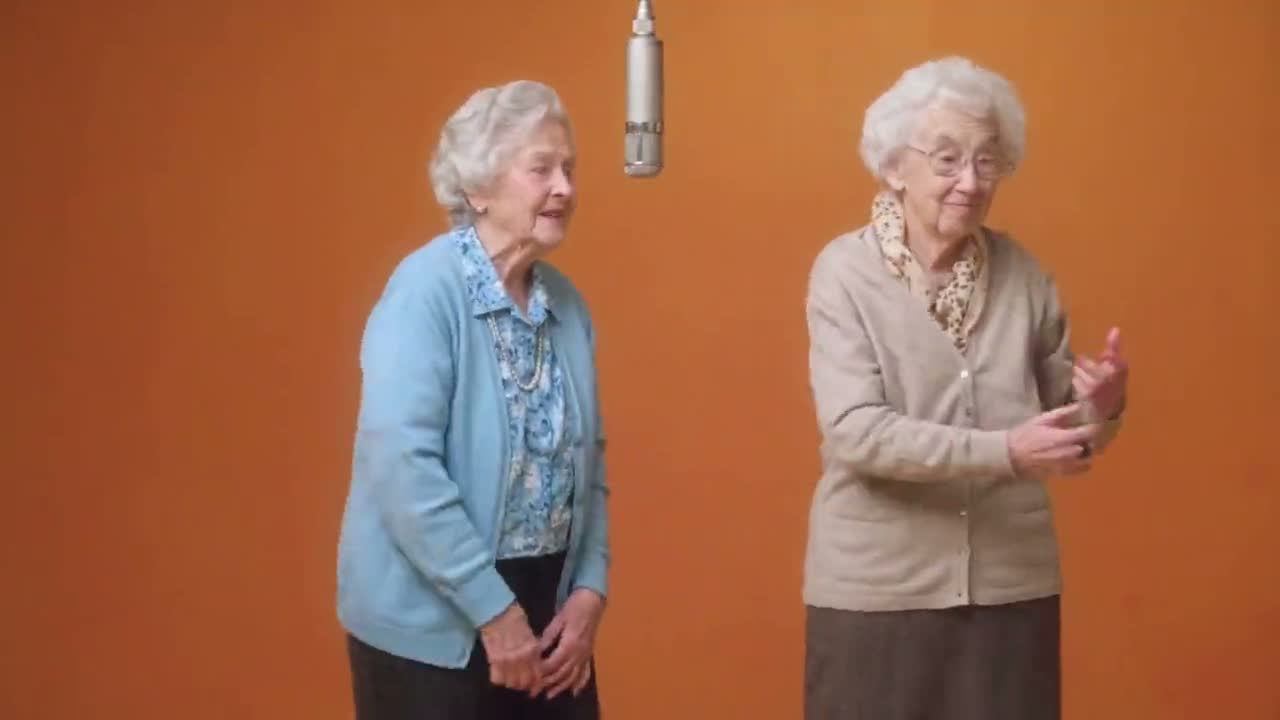
You can replace either photo before generating. A sharper, front-facing image with visible facial features gives the model more useful identity detail than a distant or obstructed shot.
Choose a 15- or 30-second 4:3 performance. Each version keeps its camera timing, motion direction, 720p output, and generated audio preset. The example clips are inspiration, not controls for changing the choreography.
Add one front-facing JPG, PNG, or WebP image for each performer. Even lighting, visible faces, and minimal obstruction give the Hotel Lobby AI Video Generator a cleaner starting point.
Place each photo in the side you want it to occupy. The Hotel Lobby AI template supplies the duo staging, camera rhythm, and performance direction, so there is no prompt to write.
Start the generation, then check both characters, framing, motion, and audio before you publish. If a face is unclear, replace that source photo and try again rather than changing motion settings.
Pair people your audience already recognizes for birthday posts, group-chat jokes, or a playful surprise. Similar image clarity helps both performers read as one intentional pairing.
The trend recreates the visual language of a two-person Hotel Lobby performance by replacing the original performers with people, pets, or characters chosen by the creator. This tool focuses on the familiar duo setup while keeping the upload process simple.
You upload a separate image for the left performer and the right performer, then choose a 15- or 30-second version. Each version uses preset motion, camera timing, 4:3 framing, 720p output, and generated audio, so you do not need to build the scene from a text prompt.
Use clear, well-lit images with the face looking toward the camera. Avoid heavy blur, extreme angles, sunglasses that hide the eyes, cropped faces, or hands covering important features. A simple background is helpful, but facial clarity matters most.
Yes. Upload two different photos of the same person if you want that person to fill both sides. Each slot is handled separately, so choose the clearest image for each side and check the preview before generating.
The two image slots can accept many kinds of recognizable subjects, but results depend on how clearly the source image shows the face or defining features. Only upload and publish material you have permission to use, especially when a real person or protected character is involved.
Both planned duration options include generated audio guided by their selected template. The videos in the Examples tab are trend references, so their soundtrack should not be treated as the exact audio specification of your generated result.
No prompt field is required. The Hotel Lobby AI Video Generator keeps the motion direction, camera sequence, and output format preset; you choose the two performer images, select 15 or 30 seconds, and review the finished clip.
No. This is an independent creative tool inspired by the widely recognized Hotel Lobby AI trend and is not affiliated with or endorsed by Migos. You are responsible for having the appropriate rights to any images, characters, music, or other material you publish.

Choose two clear photos, decide who appears on the left and right, then create a 15- or 30-second duo performance with the Hotel Lobby AI Video Generator.
Upload Two Photos